

Production Execution Software for guided shop-floor work orders
Turn planned orders into executed work, step by step. Accevo Production Execution guides operators through each order, including recipe, routing, BOM, components, changeover and settlement.
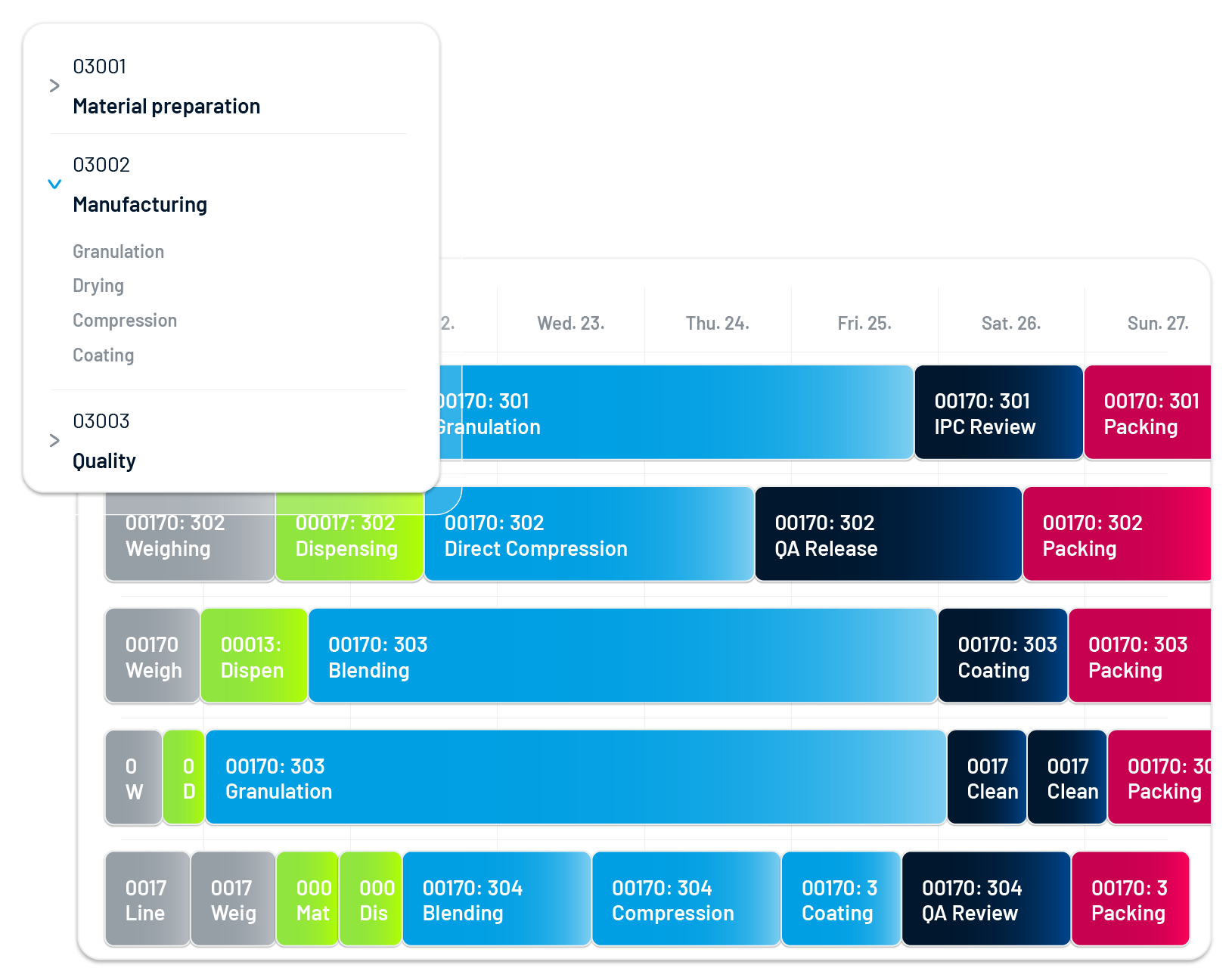
Supervisors track progress, delays, machine states, OEE and exceptions across the shop floor in real time.
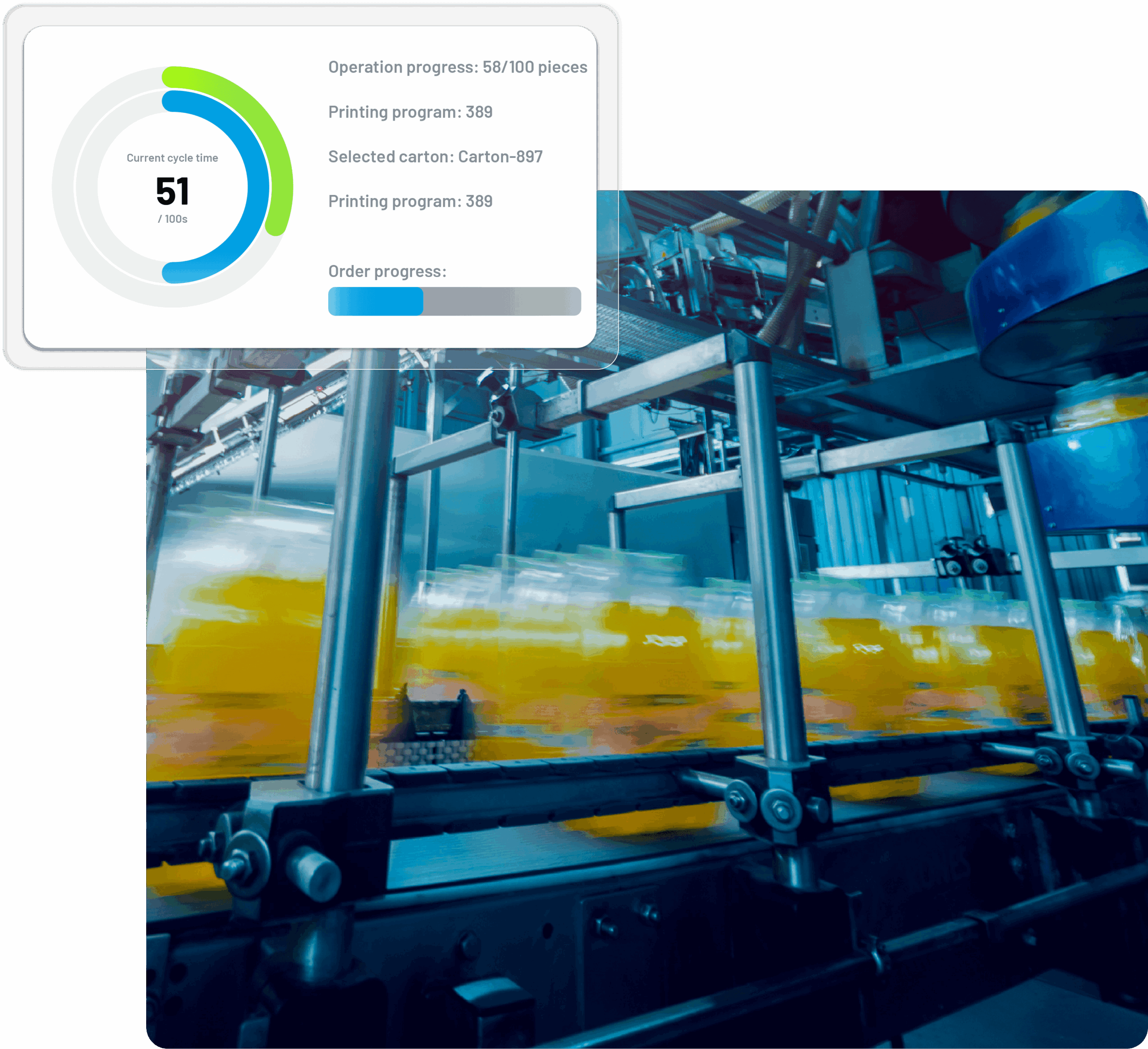
Key benefits of Accevo's Work Order Management Software
Planned production scheduling
Start production in the right planned sequence.
Real-time shop-floor control
See progress, key KPIs and current delay as it happens.
Flexible reporting
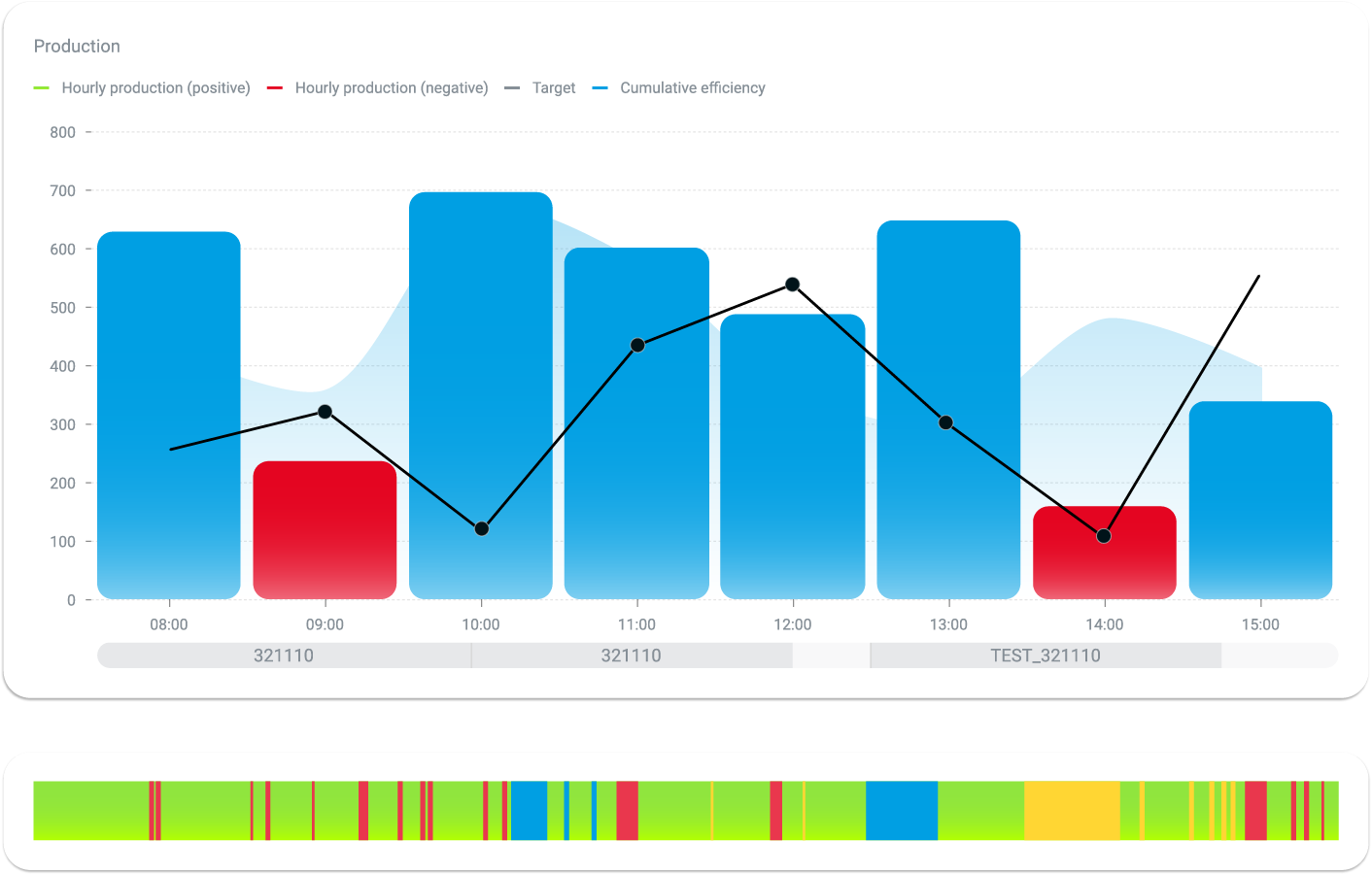
Report production manually or automatically, with machine states.
Faster work order launch
Launch production faster with automated reporting.
Automated validations
Validate steps automatically and count production as it runs.
Machine state monitoring
Track machine states for deeper analysis.
Deployment proof
850+ implementations, 38+ countries, 20+ years on the market, 160+ engineers and part of the Dürr Group. Results vary by plant, product mix and baseline performance.
20%
More operating time
15%
Fewer defects
17%
Higher OEE
35%
Shorter changeovers
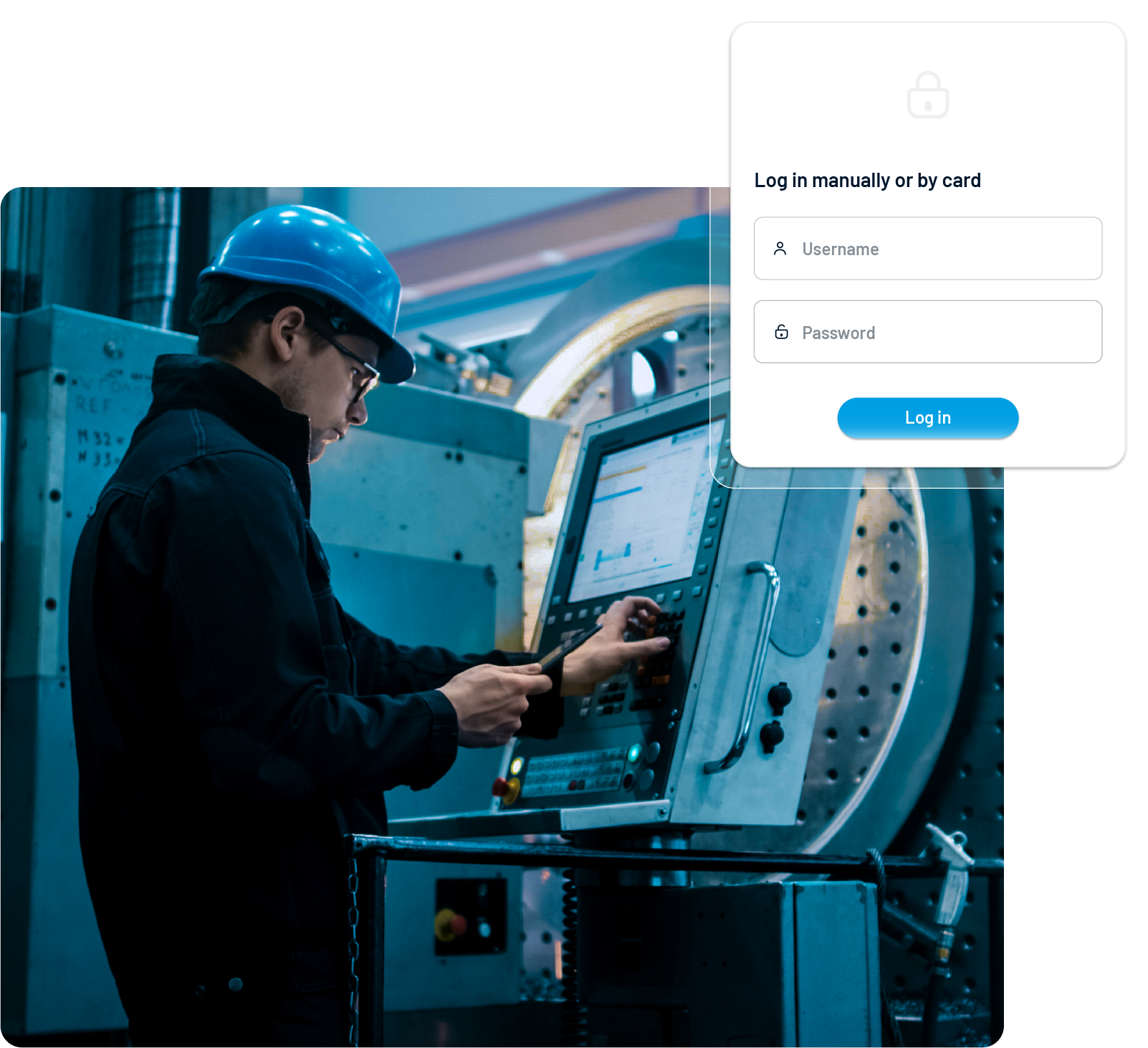
Flexible operator log-in
Close the gap between ERP planning and production
Stop losing control between the ERP plan and the operator panel. ERP and planning systems tell the plant what to make. Production still needs a reliable way to dispatch work, validate materials, guide operators, record output and close the order with clean data.
Work orders reach the line with missing context
Operators need recipe, routing, BOM, setup and quality context for the exact order they run.
Validation happens too late
Wrong components, wrong containers or missing scans create quality and traceability problems after production has moved on.
Supervisors lack one live view
Delays, machine states, exceptions and order progress spread across screens, paper and conversations.
Guided production execution
Run every work order through the same controlled lifecycle.
01
Dispatch the order
Send the planned order, routing, recipe and BOM from ERP, APS or the production plan to the operator panel.
02
Prepare the line
Guide setup and changeover tasks. Validate the tool, container, component and setup before the operation starts.
03
Execute and report
Let operators report output, scrap, rework, downtime and comments. Capture machine states automatically where the line exposes the data.
04
Settle the order
Close the order with actual material consumption, labor time, machine time, output and variance information.
Recipe and technology-driven production control
Run production according to the current technology. Every order carries its recipe, routing and technology parameters from the plan to the operator panel. The system shows the right steps, right components and right targets for that order.
BOM and component validation
Check that the scanned component matches the order bill of materials: right part, right quantity, right batch.
Routing and recipe context
Show operators the current operation, technology parameters and reporting fields for the work they are executing.
WIP and material reporting
Record actual usage, WIP movement, scrap, rework and output while the context is still fresh.
Interlocks and production validation
Block the wrong action before it reaches the batch record. Production interlocks help operators catch mistakes at the point of use. Accevo can compare scans, setup data and order context before the next production step starts.
- Wrong component scanned against the BOM
- Wrong batch or material lot selected
- Wrong container ID scanned at the station
- Wrong tool or setup selected
- Missing scan before operation start
- Label generated for the wrong order, product or quantity
Guided changeovers and setup control
Guide changeovers with a checklist, not memory. When a line switches products, operators follow a structured checklist on the panel. Each step runs in sequence and receives a timestamp when the operator completes it. Changeovers and other maintenance are also available in dedicated CMMS software.
Step-by-step setup
Show the line preparation tasks needed for the next product or order.
Changeover matrix support
Use product-to-product setup logic to reduce unnecessary work and keep scheduling assumptions closer to real execution.
Time and variance visibility
Compare planned changeover time with actual step completion and use the result in OEE and schedule analysis.
Container to pallet traceability
Scan components from container to finished pallet.
Traceability module allows operators to scan components against the order BOM as materials move from container to production. Finished output can continue into palletized logistics with SSCC labeling.
Component scanning
Validate each scan against the active work order and operation.
标签管理
Generate production and logistics labels from one system.
Traceability handoff
Use scan and label history as an input for the Traceability module and electronic production records.
Real-time shop floor control
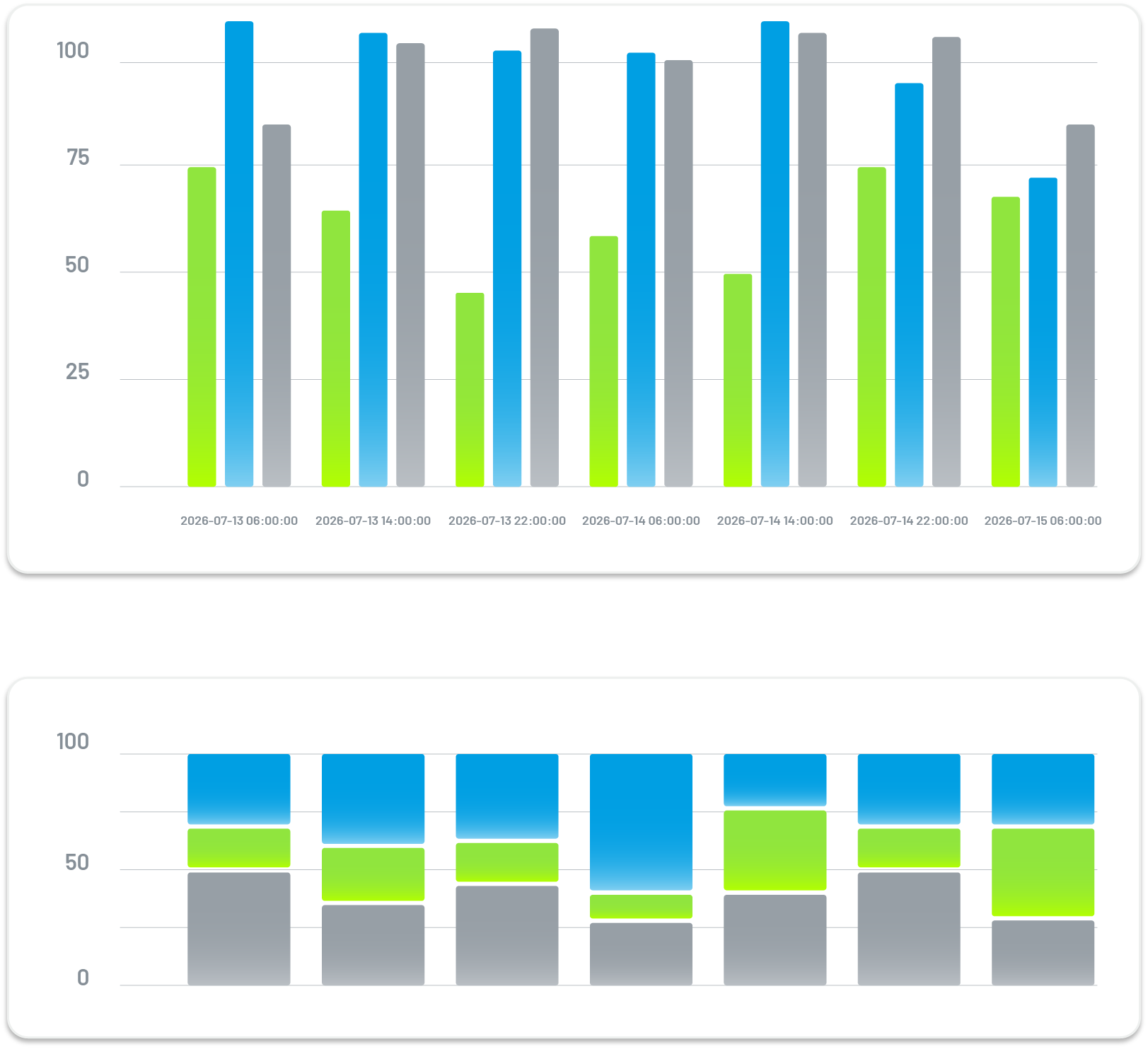
Give supervisors the same execution data operators report. Operators execute work. Supervisors need a live view of order status, delays, machine states and exceptions across each line or station.
- Dispatch visibility: See which orders are running, waiting, delayed or blocked.
- Exception handling: Review validation failures, downtime reports and missing data while the shift is still running.
- Shift control: Use live order progress and machine-state data to reassign work or act before a small delay reaches the shift target.
ERP, APS and shop floor data exchange
Keep planning and execution connected. Production Execution sits between ERP, APS, machines and operators. Orders, BOM data, routings and targets move into execution. Work order status, output, material usage, pallet data and exceptions move back out.
- ERP to shop floor: Receive production orders, routings, BOM and material data from planning systems.
- Shop floor to ERP: Return actual production, settlement data, pallet SSCC, RFID numbers and warehouse-relevant information.
- APS and scheduling: Use execution feedback and changeover data to improve planning assumptions.
Plan your Production Execution Demo
See your shop floor run on work orders, not paper.
Watch how Accevo turns the production plan into guided, validated execution on a line like yours. We will walk through dispatch, BOM validation, changeover, interlocks, reporting and settlement.
Work Order Management - FAQ
Production Execution Software turns planned orders into controlled shop-floor work. It guides operators, records output, validates materials and sends execution data back to planning and ERP systems.
Production planning decides what should run and when. Work order management controls what happens on the shop floor after the order is dispatched.
Yes. Accevo can compare scanned components, batches, tools and containers with the current operation and bill of materials.
Interlocks check whether the scan, setup or reporting action matches the current work order. The system can warn or block the operator before the wrong item moves forward.
Yes. Operators can follow structured setup and changeover steps on the panel, with each step logged when completed.
Yes. Accevo can exchange production orders, routings, BOM, work order status, output and material data with ERP, APS and related systems through standard integration methods.